Laravel PHP Filament MariaDB
ICAP Lesson Plan Toolbox
// 01
Overview
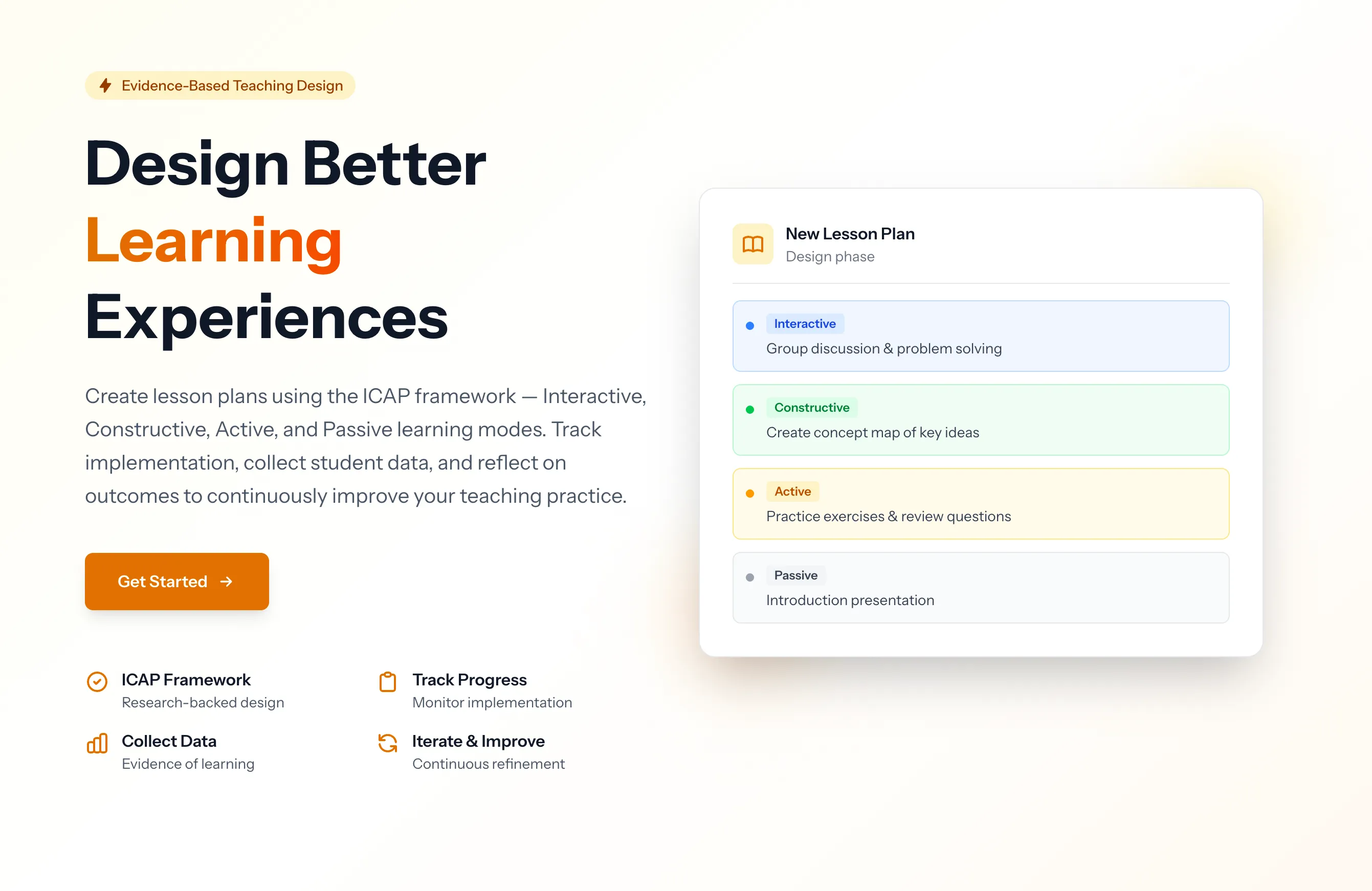
The ICAP Lesson Plan Toolbox helps teachers structure their lessons around Chi & Wylie's ICAP framework, which categorizes learning activities by cognitive engagement level. Teachers design lesson plans with tasks mapped to ICAP levels, track classroom implementation, collect student data, and reflect using a structured perceive–interpret–decide cycle. A mentor system allows experienced educators to review and guide lesson design.
Key Capabilities
- ICAP-structured lesson design — organize tasks by cognitive engagement level (Passive, Active, Constructive, Interactive) with tools, feedback types, and transitions
- Lesson iterations — track revisions for continuous improvement across teaching cycles
- Implementation tracking — log actual classroom events, unexpected behaviors, technical issues, and observed dominant ICAP levels
- Student data collection — self-reports, reflections, observations, photos, and activity logs
- Structured reflection — perceive (what happened), interpret (why), decide (what to change)
- Mentor system — assign mentors to teachers with dashboard visibility into assigned teachers' lessons
- Sharing — share lessons via secure, unique tokens
// 02
Technical Architecture
// 03
The ICAP Framework
The tool is built around the ICAP framework (Chi & Wylie, 2014), which predicts that learning outcomes improve as cognitive engagement increases through four levels:
| Level | Engagement | Example Activities |
|---|---|---|
| Interactive | Co-generative — learners build on each other's contributions | Debate, collaborative problem-solving, peer teaching |
| Constructive | Generative — learners produce outputs beyond what was given | Concept mapping, self-explanation, hypothesis generation |
| Active | Manipulative — learners engage with materials physically or attentionally | Note-taking, highlighting, copying solutions |
| Passive | Receptive — learners receive information without overt action | Listening to lectures, reading without annotation |
The ICAP hypothesis: Interactive > Constructive > Active > Passive in terms of learning outcomes. The toolbox helps teachers consciously design lessons that move students toward higher engagement levels.
// 04
Quality Checkpoints
The system includes built-in quality checks for lesson plans:
- Measurable learning outcomes — are outcomes specific and assessable?
- Clear cognitive activities — is each task mapped to an appropriate ICAP level?
- Explanation and collaborative tasks — does the lesson include constructive and interactive elements?
- Connected to discussion — are tasks linked to meaningful discourse?
- Feedback supports thinking — does feedback push toward higher ICAP levels?
These checkpoints guide teachers toward well-structured lessons that maximize cognitive engagement.
// 05
Reflection Cycle
After classroom implementation, teachers engage in a structured reflection process:
Perceive — what actually happened? Teachers log observed events, student behaviors, technical issues, and the dominant ICAP levels they witnessed during the lesson.
Interpret — why did it happen? Teachers analyze gaps between planned and actual engagement levels, identify what worked and what didn't, and consider contextual factors.
Decide — what will I do differently? Teachers document specific changes for the next iteration, creating a traceable improvement history across lesson versions.
This cycle, combined with student data (self-reports, observations, activity logs), creates an evidence base for iterative lesson refinement.
// 06
Mentor System
The mentor system supports professional development by pairing experienced educators with teachers:
- Admins assign mentor–teacher relationships
- Mentors see a dashboard widget with their assigned teachers' lessons
- Mentors can review lesson designs, implementation logs, and reflections
- Role-based access ensures mentors only see their own assigned teachers